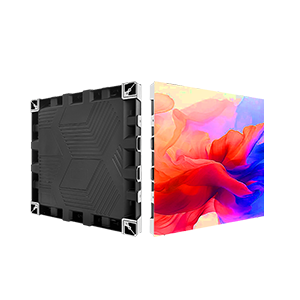
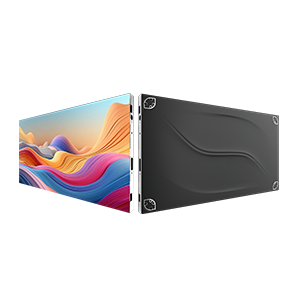
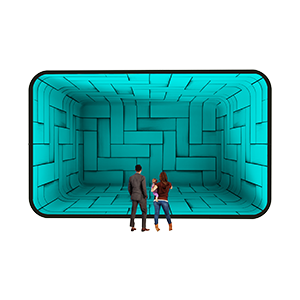







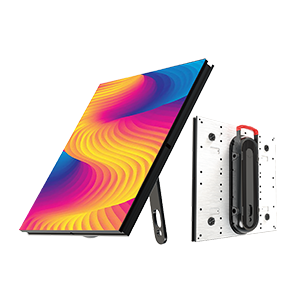
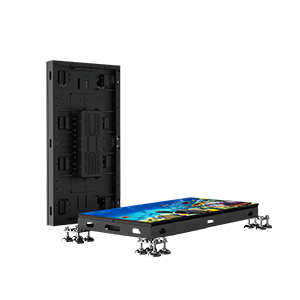
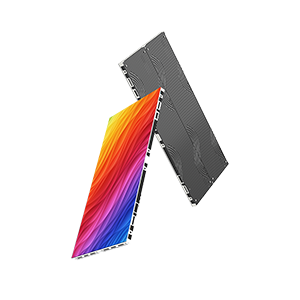
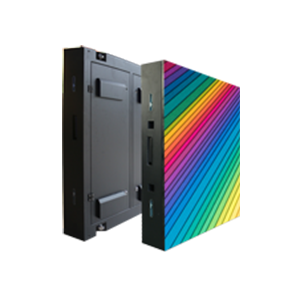
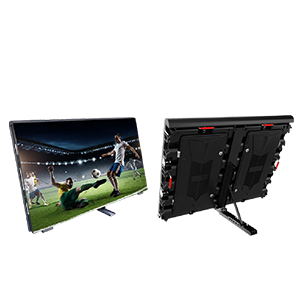







In the world of immersive architecture, the floor LED display has transformed from a passive surface into an active, responsive medium. Whether it is a luxury retail “catwalk” that reacts to a model’s footsteps or an interactive museum exhibit that follows a child’s movement, the magic of the experience relies entirely on “Real-Time Synchronicity.” The moment a guest feels a delay between their physical action and the digital reaction—a phenomenon known as “sensor lag”—the immersion is broken. At LEDFUL, our interactive floor series is engineered with high-speed sensor arrays to minimize latency, but external factors in the signal chain can occasionally introduce lag. This guide provides a professional framework for diagnosing and solving sensor lag to ensure your interactive floor remains a seamless extension of the human experience.
1. Validating the Hardware Trigger: Sensor Calibration
The first step in troubleshooting a floor LED display is ensuring the physical sensors are correctly identifying the “trigger event.” LEDFUL interactive floors typically utilize either high-frequency pressure sensors or optical infrared (IR) sensors embedded within the module structure.
Lag often occurs when the sensor threshold is set too high, requiring a “heavy” footfall before the signal is sent, which the user perceives as a delay. We recommend a full sensor recalibration using our proprietary control software. Ensure that the sensitivity levels are balanced across the entire floor surface. If one area of the floor feels “sluggish,” check for surface debris or protective films that may be obstructing the sensors. A clean, correctly calibrated LEDFUL floor ensures that the data packet is generated the millisecond a foot touches the surface, providing the foundation for zero-latency interaction.
2. Optimizing the Signal Chain: The “Last Mile” of Data
Once the sensor generates a trigger, that data must travel to the media server, be processed, and be sent back as a visual update. Lag is frequently found not in the floor itself, but in the “Last Mile” of the data loop.
Ensure that the data cables (typically Cat6 or fiber optic) between the floor LED display and the controller are within the recommended distance limits. Excessive cable length can introduce micro-delays that aggregate into noticeable lag. Furthermore, verify that the network switch or “Sending Box” is not overloaded. At LEDFUL, we utilize high-bandwidth receiving cards designed specifically for the high data-density of interactive floors. Using non-certified third-party controllers can often bottleneck the return signal, causing the visuals to “trail” behind the user’s movement.
3. Media Server Processing and GPU Latency
In most interactive setups, the floor LED display is essentially a large-format monitor, while a separate media server (running software like TouchDesigner, Notch, or Resolume) handles the interactive content. This is where the most significant processing lag occurs.
Technicians should check the “Frame Buffer” settings on the media server. If the software is buffering too many frames to ensure smooth playback, it will inherently introduce lag to the interactive trigger. Aim for a “Zero-Buffer” or “Low-Latency” preset. Additionally, ensure the GPU (Graphics Processing Unit) is not hitting 100% utilization. If the graphics card is struggling to render the content, the interactive response will be the first thing to suffer. By optimizing the content’s resolution and frame rate to match the native refresh rate of the LEDFUL floor (typically 3840Hz), you can significantly reduce the “Render Lag” that guests often mistake for sensor failure.
4. Interference Management: Environmental Factors
Interactive floor sensors, particularly IR-based systems, can be sensitive to environmental interference. High-intensity stage lighting or direct sunlight can “flood” the sensors with infrared noise, causing the system to miss triggers or process them with a delay as the software filters out the noise.
Check the ambient light levels around your floor LED display. If the lag is intermittent or only happens during certain times of the day, environmental light is likely the culprit. At LEDFUL, we utilize anti-interference coatings on our floor modules, but for mission-critical installations, we recommend adjusting the light “gain” in the sensor settings to compensate for high-brightness environments. Ensuring a “clean” optical or electrical environment allows the sensors to operate at their maximum sampling frequency, which is essential for fast-moving interactive games or dance-floor applications.
5. Software Driver and Firmware Alignment
In the fast-moving world of digital signage, software and firmware must be perfectly aligned. Using an outdated driver for the interactive floor’s USB or Ethernet interface can result in “Data Packet Dropping,” where the server misses every third or fourth trigger, resulting in a jerky, lagging experience.
Regularly check for firmware updates for your LEDFUL interactive modules. Our engineering team frequently releases updates that optimize the “Polling Rate”—the frequency at which the system checks the sensors for a trigger. Increasing the polling rate ensures that even the fastest movements are captured instantly. For facility managers, maintaining a “Version-Matched” system between the floor hardware, the controller, and the media server is the best way to prevent the subtle software conflicts that lead to interactive latency.
6. Structural Integrity and Module Alignment
Finally, physical lag can sometimes be caused by poor module alignment. If the floor modules are not perfectly level, the pressure sensors may not sit flush against the sub-floor, creating a “mechanical delay” where the module must physically flex before the sensor is triggered.
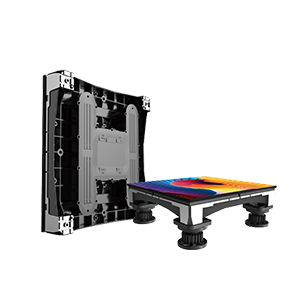
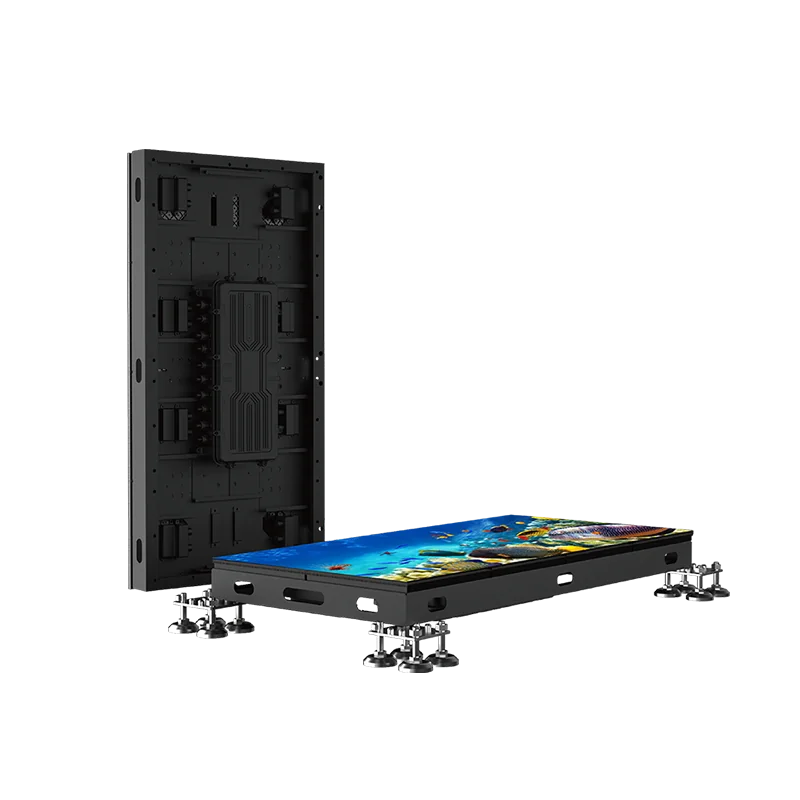
The LEDFUL floor series features adjustable leveling feet to prevent this issue. During troubleshooting, use a spirit level to ensure the entire surface is a perfectly flat plane. A rigid, well-supported floor ensures that the weight of a footfall is transmitted directly to the sensors without any mechanical dampening. This physical optimization is often the “hidden secret” to achieving the crisp, instant response that defines a world-class interactive installation.
Conclusion: Achieving the Real-Time Dream
Solving sensor lag in a floor LED display is a holistic process that involves checking the hardware, the signal chain, the server, and the physical environment. When these elements are perfectly synchronized, the floor ceases to be a screen and becomes a responsive, living surface.
At LEDFUL, we pride ourselves on providing the most responsive interactive floor technology on the market. Our systems are built for the rigors of heavy foot traffic and the high-speed demands of modern digital art. By following these troubleshooting steps, you can ensure that your installation remains a flawless, lag-free centerpiece that captivates every guest. Let us help you keep your digital environment moving at the speed of life.